Generators
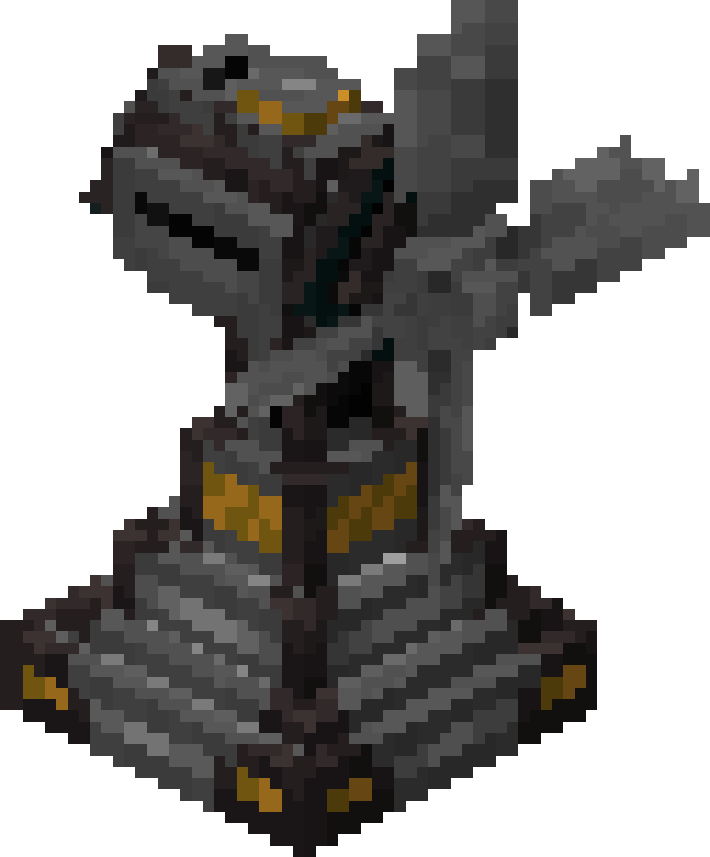
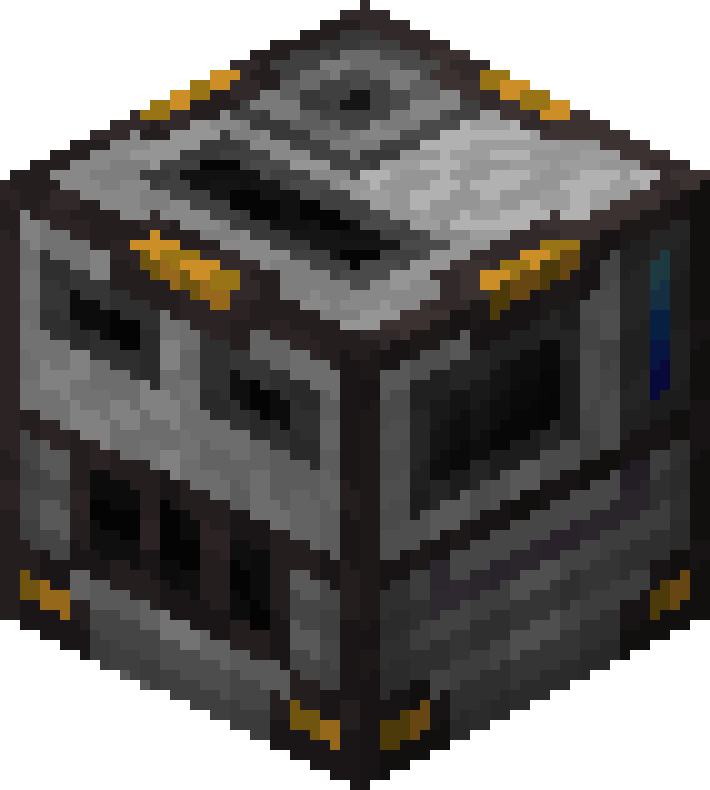
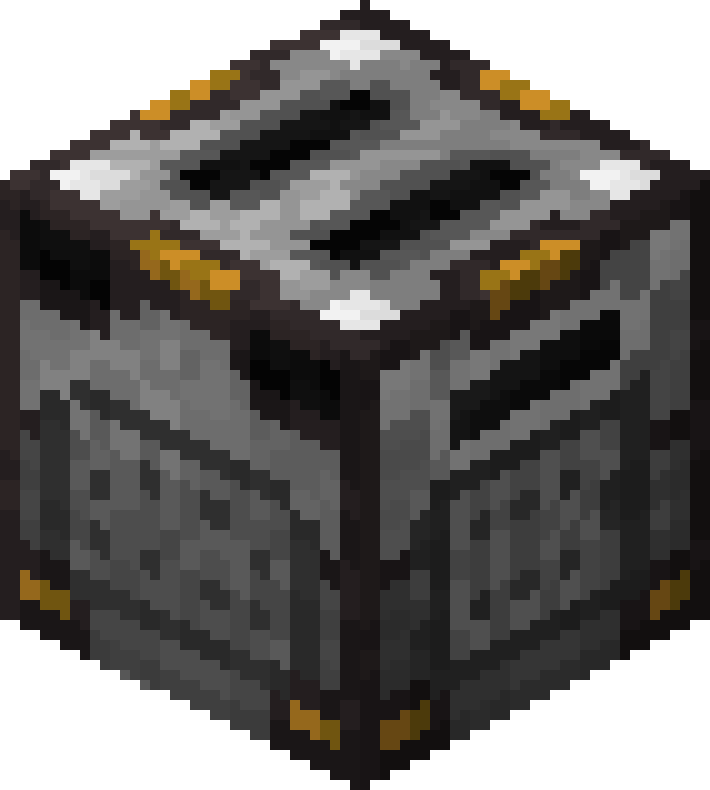
Generators are the foundation of every powered UtilityCraft setup. They create Dorios Energy (DE) for your machines, batteries, and transport systems, and each one is suited for a different style of base.
What Generators Do
Generators produce DE automatically or while consuming fuel, then send that energy into nearby machines, cables, batteries, or wireless networks.
They are useful for:
- powering your first automation chains
- keeping batteries charged as energy buffers
- feeding large machine lines without manual refilling
- scaling production by upgrading to stronger tiers
Generator Basics
All UtilityCraft generators share a few important behaviors:
- Stored energy is preserved when broken. This makes generators easy to move and also lets them act as temporary portable energy storage.
- Generators rotate only in the four cardinal directions. They do not face up or down like many machines can.
- A wrench can change energy distribution mode. You can switch the output behavior between first and last priority modes.
- Generators come in tiers. Every generator line has Basic, Advanced, Expert, and Ultimate versions, with Ultimate being the strongest tier.
- Higher tiers are usually the better upgrade path. They produce more power, store more energy, and are generally better than placing many lower-tier blocks of the same type.
Passive and Active Generators
UtilityCraft includes both passive and active generators:
Passive Generators
Passive generators keep working with little or no fuel maintenance. They are usually slower than active options, but they are easy to keep running long-term.
Examples:
Active Generators
Active generators are stronger, but they need a steady resource supply to stay online. They are ideal when you want higher throughput and can afford the fuel cost.
Examples:
Available Generators
| Generator | Type | Main Use |
|---|---|---|
| Furnator | Active | Burns solid fuels such as coal, charcoal, wood, and other fuel items to generate energy. |
| Magmator | Active | Consumes lava and other liquid fuel sources for high-speed energy production. |
| Thermo Generator | Passive | Produces power from a heat source below it while supplied with water for cooling. |
| Solar Panel | Passive | Creates energy from sunlight during the day without fuel. |
| Wind Turbine | Passive | Generates energy from wind and benefits from good placement, especially at higher altitude. |
Energy Storage and Transfer
Generators can power nearby blocks directly, but a proper network becomes much easier to manage once you add storage and transport.
Batteries
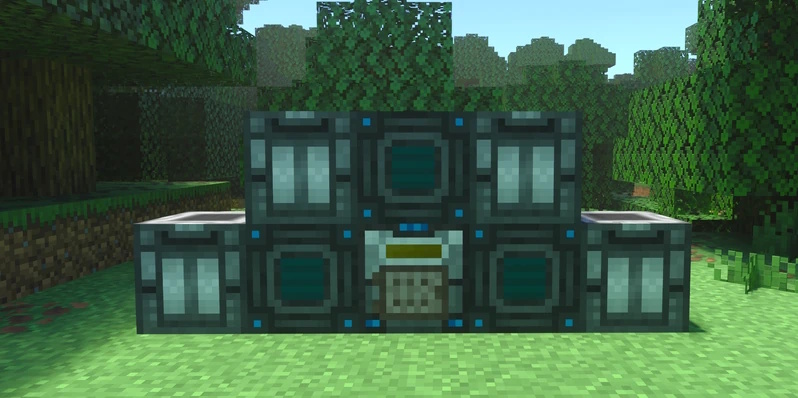
Batteries store large amounts of energy and work as buffers between production and consumption. They are especially useful when your generators are inconsistent, far away, or temporarily offline.
Important rule:
- Batteries cannot transfer energy directly into other batteries.
If you want to move energy between battery banks, place a machine, cable, or another valid transfer block between them.
Wireless Energy
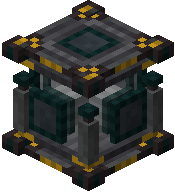
UtilityCraft also includes wireless energy through Transmitters and Receivers.
These are effectively two modes of the same block family:
- place a Transmitter
- use a wrench on it
- convert it into a Receiver
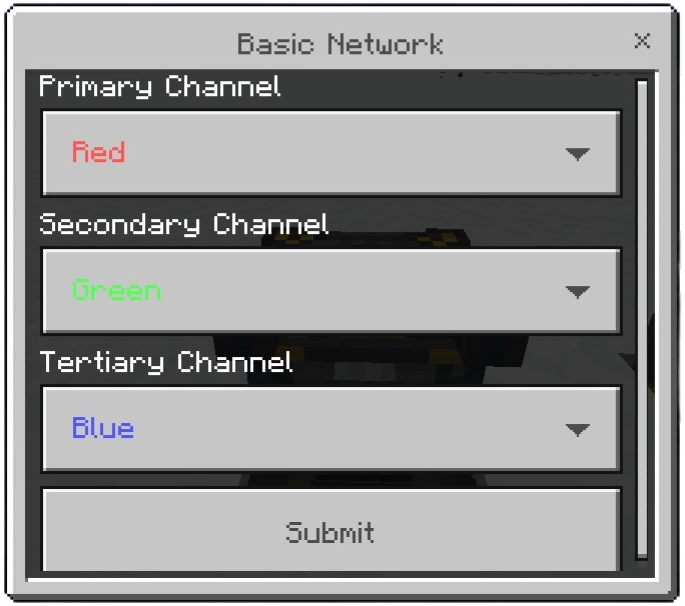
Transmitters and Receivers support color-based networks, letting you separate different wireless energy lines inside the same base. For example, you can keep one color for ore processing and another for farms or mob grinding.
See:
Power Setup Tips
These are some strong ways to build your energy system:
Sky Base Wind Network
Build your Wind Turbines high in the sky, where they benefit from altitude. Then use Transmitters and Receivers to send that power back down into your main base.
Why it works:
- fully passive
- clean for sky bases or vertical factories
- easy to expand by upgrading tiers
Magmatic Chamber + Magmator
Use Magmatic Chambers to turn cobblestone or other stone materials into lava, then feed that lava into a Magmator.
Why it works:
- very fast energy production
- great for heavy machine setups
- easy to sustain if you already have large cobblestone production
Tradeoff:
- it consumes a lot of cobblestone
Bonsais Above Furnators
A classic passive-friendly setup is placing bonsais above Furnators to automate fuel generation.
Why it works:
- simple and reliable
- good for early and mid game
- can stay running with little player input
Thermo Generators with Blaze Core
Place a Thermo Generator above a Blaze Core to run it at 150% speed.
Why it works:
- passive production
- strong output for a heat-based setup
- excellent when you already have stable water automation
Upgrade Strategy
All of these power systems are viable and scale well with tiers. In most cases, it is better to upgrade the generator tier than to place many more generators of the same tier.
That usually gives you:
- better output per block
- more internal storage
- cleaner setups
- lower risk of creating unnecessary lag
Generators are what make the rest of UtilityCraft possible. Once you choose a power style that fits your base, the next step is connecting it cleanly to machines, batteries, and wireless transport.